USEFUL PARAMETERS
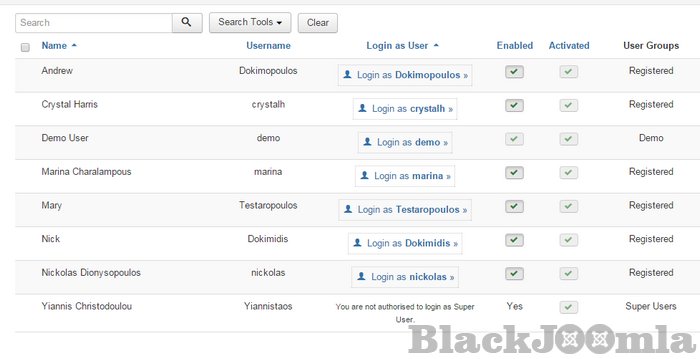
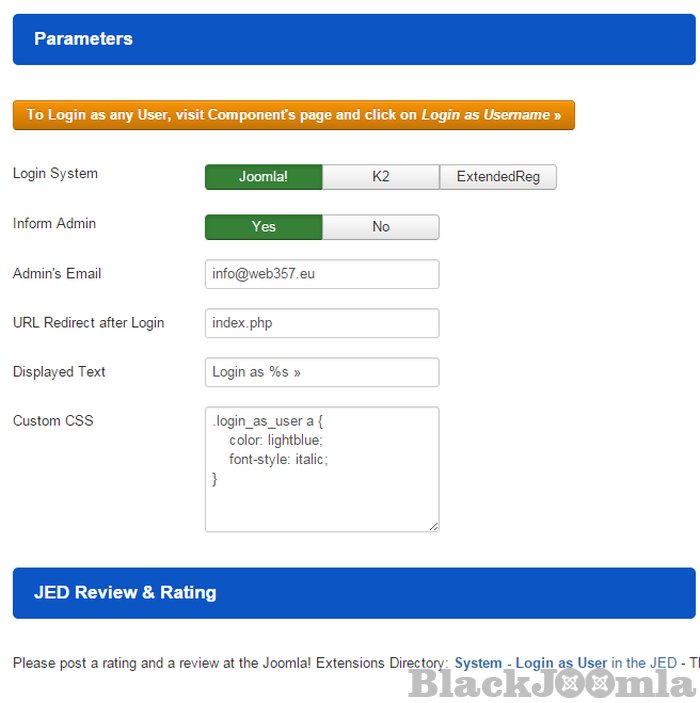
- Login System (Choose the login system, Joomla! core, K2 or ExtendedReg. If you select K2, note that the parameter 'Enable K2 User Profile' in K2 settings must be enabled).
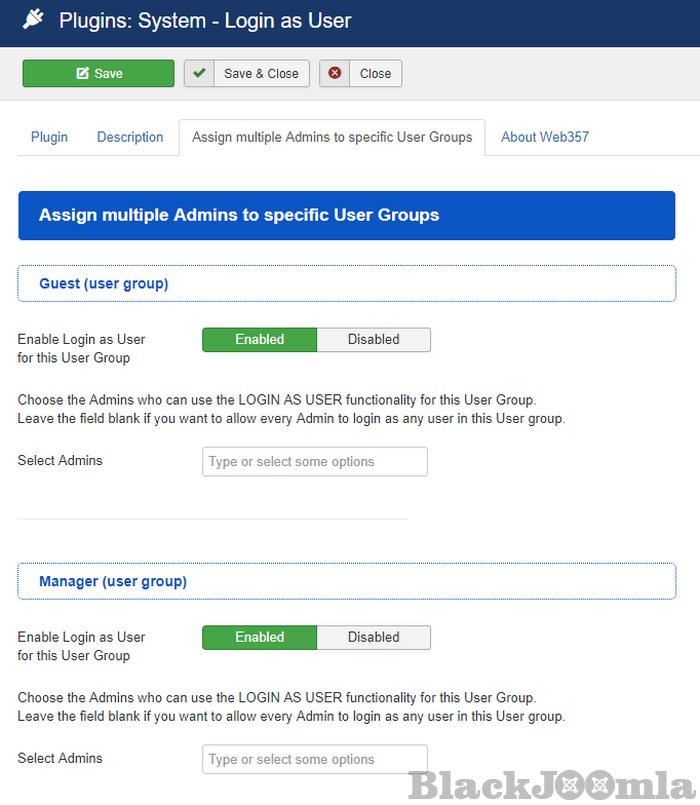
- Assign multiple Admins to specific User Groups. Choose the Admins who can use the LOGIN AS USER functionality for a specific User Group. (Added in v3.2.0)
- Inform Admin (Send a message to Admin, to inform that a user logged in from the backend, through 'Login as User' plugin).
- Admin's Email (Enter Admin's Email address. Example: This email address is being protected from spambots. You need JavaScript enabled to view it.. If you leave this field blank, the default email from the global configuration will be used).
- URL Redirect after login (Enter the URL that redirects the Admin in front-end, after a successful login as a particular User).
- Displayed Text (Enter your preferred displayed text. E.g. Login as %s »... or Login as User »... or Login as Client »... etc. Notice that the variable %s is equal with the Username of User).
- Custom CSS Style (Enter your personal CSS style for the 'Login as User' text).
Download
Login to Download
Registration at BlackJoomla is completely free. However, an active membership or an individual file purchase is required to download premium files. Please visit our FAQ for more information.
Note: If you see the warning "The security token did not match." after logging in, simply refresh the page and sign in again.
Get started with 12 free downloads every month!
See our Membership Plans for more details.
Message
Before send message Please study FAQ
All of files compressed by WinRAR - use from Latest WinRAR before install
Password for all files:BlackJoomla.com
Do not use download managers such as IDM or similar software when downloading files. These applications may split a single download into multiple requests, which can cause your download count to be deducted incorrectly.