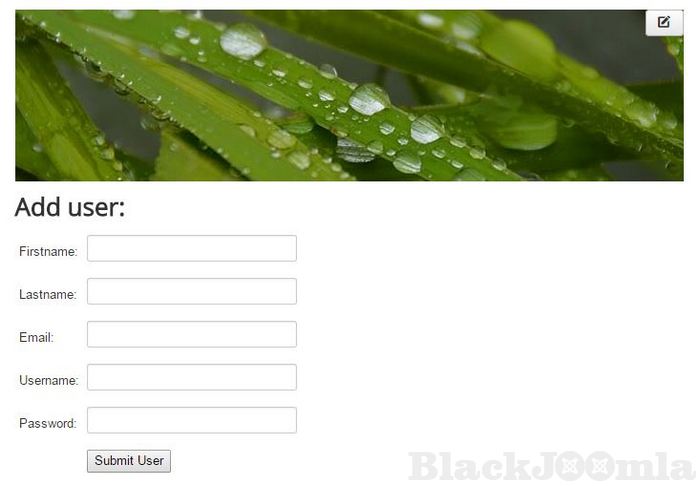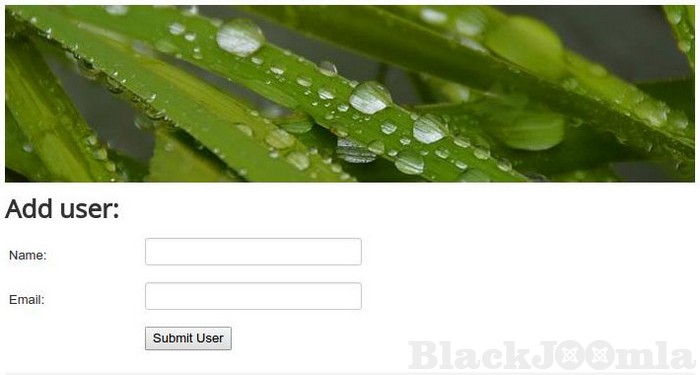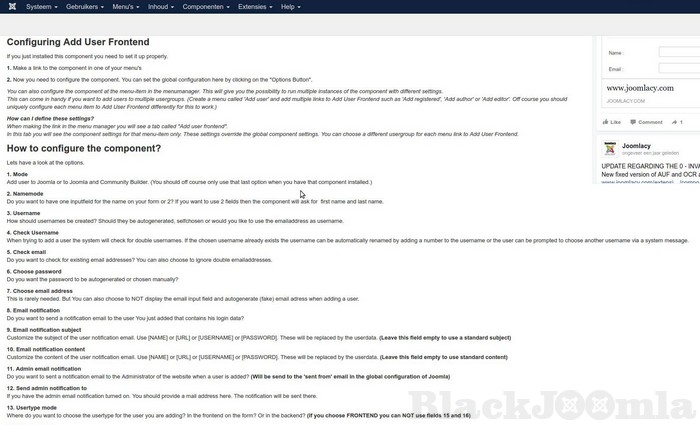
This component is also a good solution when your clients don't know how to add users from the backend. Just install Add User Frontend and you can stop explaining over and over again how to do this.
Add User Frontend is very simple and can be used by anybody. But it was originally made for web developers. They can add their own input fields to the "add user form" and add additional SQL queries to insert data in the database.
This can come in handy when you want to integrate with other Joomla extensions for example. You need to have basic PHP/HTML knowledge to do so. You can find appropriate documentation on this website.
Functions:
- Add a registered user to Joomla from the frontend
- Allow authors and higher to add users
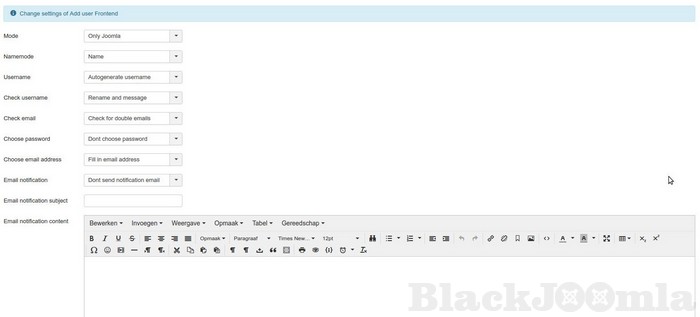
- Choose what to do if a username already exists
- Choose if you want to check for existing emails or not
- Sync with Jomsocial
- Choose exactly which input fields you want to use
- Autogenerate username and password
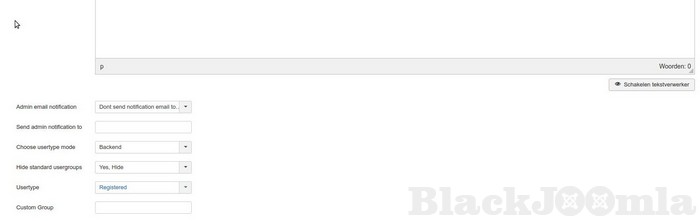
- Add users to other user groups from the frontend
- Send notification emails when a user is added
- Send admin notification emails when a user is added
- Choose user group to which new users will be added at the frontend
- Add users to a custom user group
- Use email address as username
- Create users with auto generated (fake) email
- Also add users to Community Builder right away
- Customize notification email without technical knowledge
Need K2 integration?
get the K2 user sync plugin for Add user frontend at:
http://www.joomlacy.com/extensions/plugins/k2-user-sync-for-add-user-frontend/
Need more languages?
http://www.joomlacy.com/extensions/language-files/
Download
Login to Download
Registration at BlackJoomla is completely free. However, an active membership or an individual file purchase is required to download premium files. Please visit our FAQ for more information.
Note: If you see the warning "The security token did not match." after logging in, simply refresh the page and sign in again.
Get started with 12 free downloads every month!
See our Membership Plans for more details.
Message
Before send message Please study FAQ
All of files compressed by WinRAR - use from Latest WinRAR before install
Password for all files:BlackJoomla.com
Do not use download managers such as IDM or similar software when downloading files. These applications may split a single download into multiple requests, which can cause your download count to be deducted incorrectly.