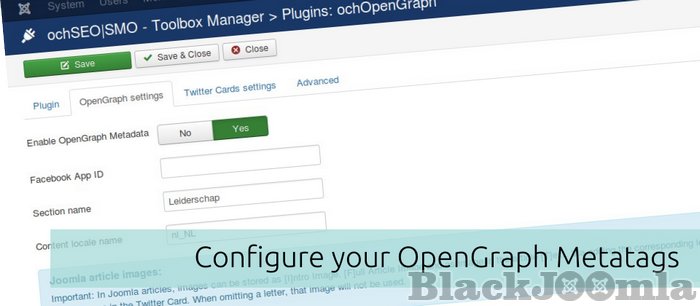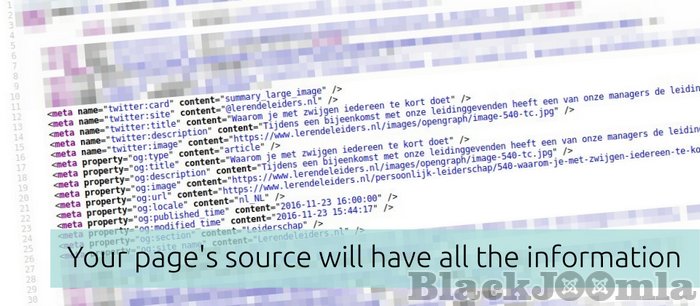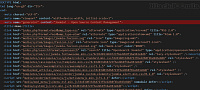
Facebook introduced the Open Graph Protocol. With this protocol meta-tags are added in your blog / article source code. These meta-tags tell Facebook what the article is about, which image to use, which url, who is the author, etc. This information is then used to display your article on the Facebook platform.
Linkedin, Google+ have adopted this protocol as well. Twitter introduced its own 'protocol': TwitterCards.
This content plugin helps you make the most of your content on these Social Media platforms by automagically implementing the OpenGraph protocol and TwitterCards into your:
- Joomla! articles,
- JCal Pro (Events),
- K2 Items,
- Easyblog Entry pages,
- FocalPoint Location maps,
- ochGotNews news items,
- and (new in version 0.3.2) YooTheme Zoo blogs / pages!
You can add Twitter Cards and OpenGraph protocol to any page manually via a Joomla! Custom HTML module!
"Thank you so much for everything. Just great. If this plugin was good before, now it's amazing. This plugin is now more complete and has all the requirements that any website needs to go further in social networks. The possibilities this plugin offers is unmatched by any other in the market for Joomla components. There is no other, because I have seen them all, bought some and otherwise I have asked and their developers simply tell me: you can not do this, you can not do that, no it's not possible. But ochOpenGraph does everything a site needs to really stand out on the web" - 0.3.0 Tester
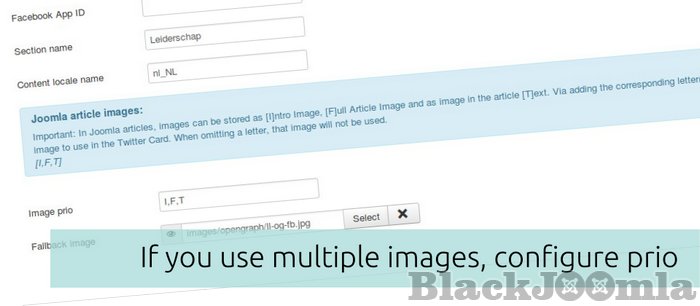
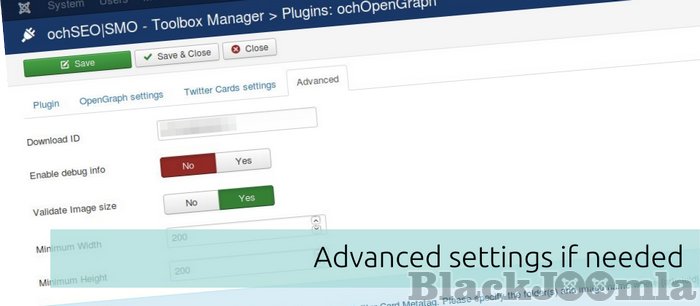
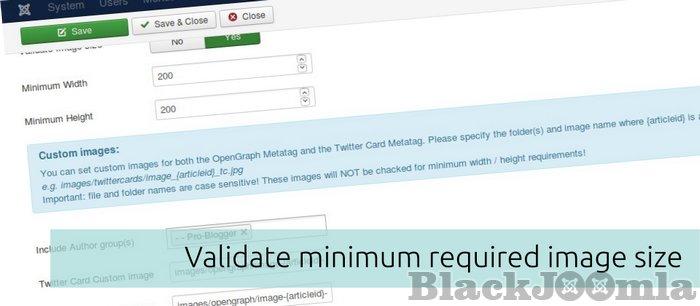
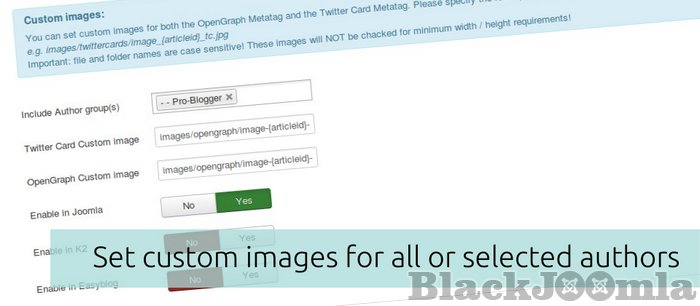
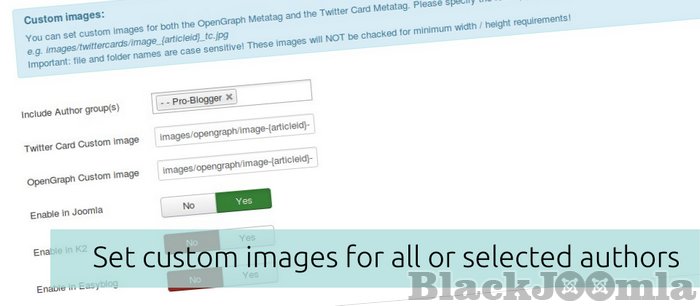
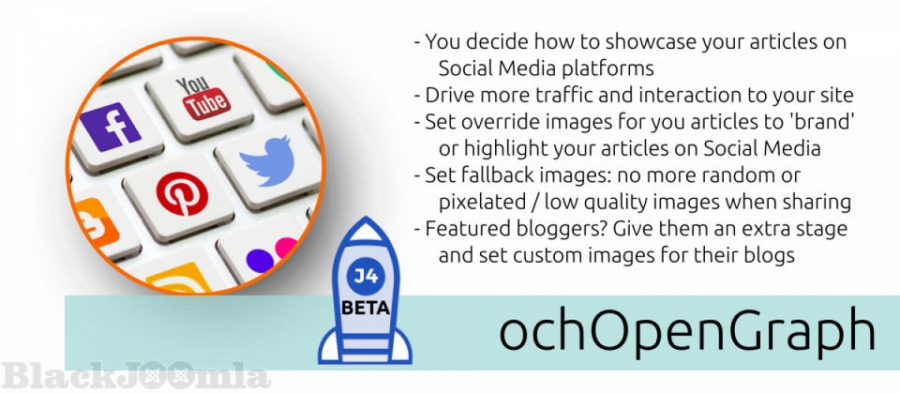
Now you decide which image to use, what description and title to share. If the resolution of the image is not good enough to be used on e.g. Facebook or twitter? No worries, the image quality is validated and when insufficient you can use a configured fallback image. You can even select a custom image per article (other image then the image in your article) and use that. This way you can share a professional image on e.g. Facebook with the title and or author avatar in the image: this will not show in your article but only on the Social Media platforms... You can configure to use the custom image for all authors or only a select group (acl) of authors: How cool is that!
Download
Login to Download
Registration at BlackJoomla is completely free. However, an active membership or an individual file purchase is required to download premium files. Please visit our FAQ for more information.
Note: If you see the warning "The security token did not match." after logging in, simply refresh the page and sign in again.
Get started with 12 free downloads every month!
See our Membership Plans for more details.
Message
Before send message Please study FAQ
All of files compressed by WinRAR - use from Latest WinRAR before install
Password for all files:BlackJoomla.com
Do not use download managers such as IDM or similar software when downloading files. These applications may split a single download into multiple requests, which can cause your download count to be deducted incorrectly.