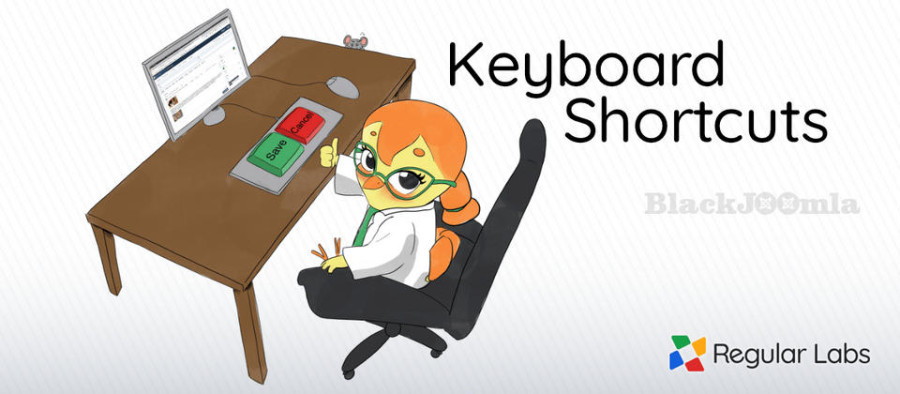
Do you find yourself pressing CTRL+S or ⌘+S every time you want to save an article in Joomla?
Doesn't work, right? Your browser just wants to export the page as html instead.
Well, Keyboard Shortcuts changes this for you!
Now you can use your trusted keyboard shortcut to 'Save' an article - as well as many other items in Joomla, like menu items, modules, custom fields and many more.
Not only that: Keyboard Shortcuts also gives you shortcuts for the 'Save & Close', 'Save & New', 'Save as Copy' and 'Close' buttons in item views.
In list views it gives you hotkeys for creating new items ('New' button) and for searching.
Download
Login to Download
Registration at BlackJoomla is completely free. However, an active membership or an individual file purchase is required to download premium files. Please visit our FAQ for more information.
Note: If you see the warning "The security token did not match." after logging in, simply refresh the page and sign in again.
Get started with 12 free downloads every month!
See our Membership Plans for more details.
Message
Before send message Please study FAQ
All of files compressed by WinRAR - use from Latest WinRAR before install
Password for all files:BlackJoomla.com
Do not use download managers such as IDM or similar software when downloading files. These applications may split a single download into multiple requests, which can cause your download count to be deducted incorrectly.