Use it for:
- Personal creative blog
- Corporate blog
- Team blogging
- Bloggers’ social network
- News blog
Benefits:
Front End Management
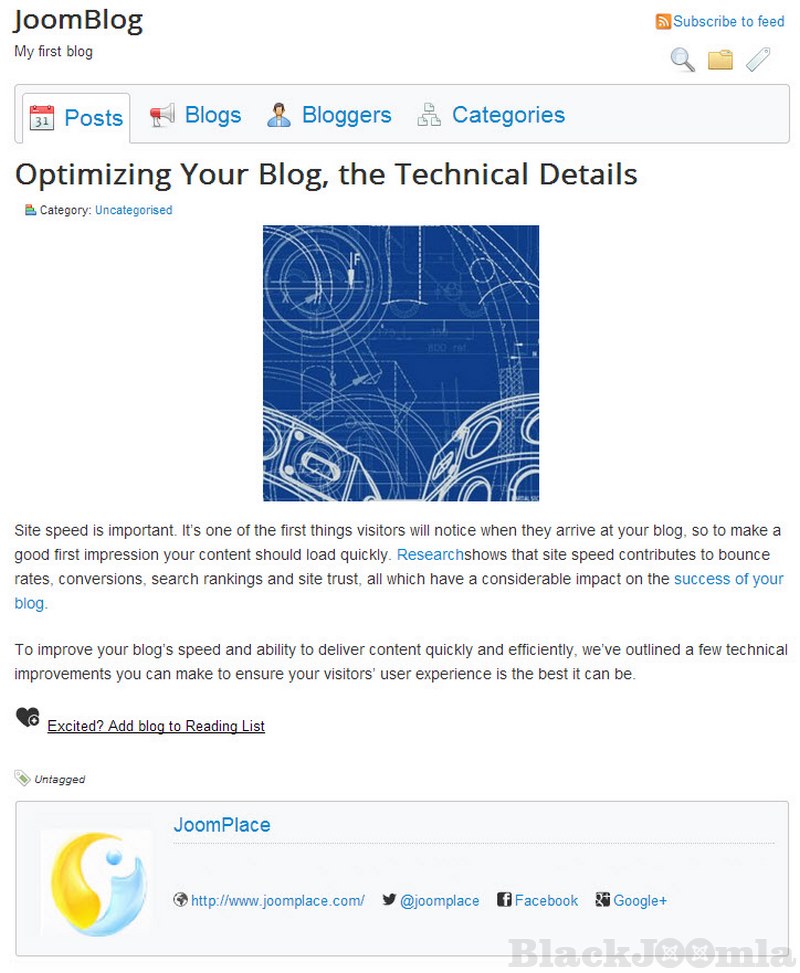
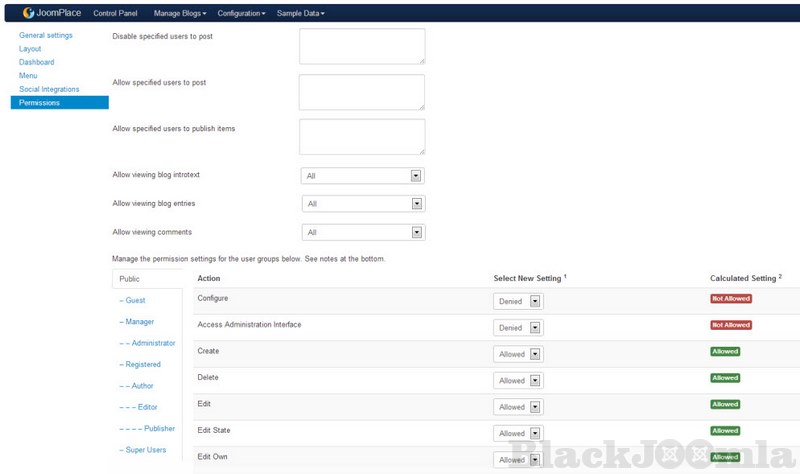
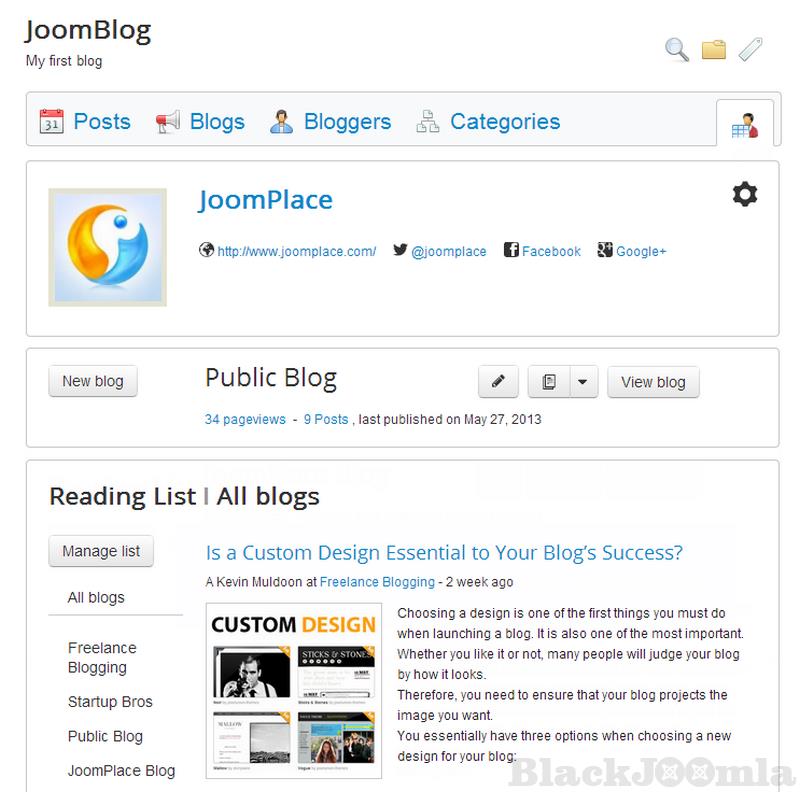
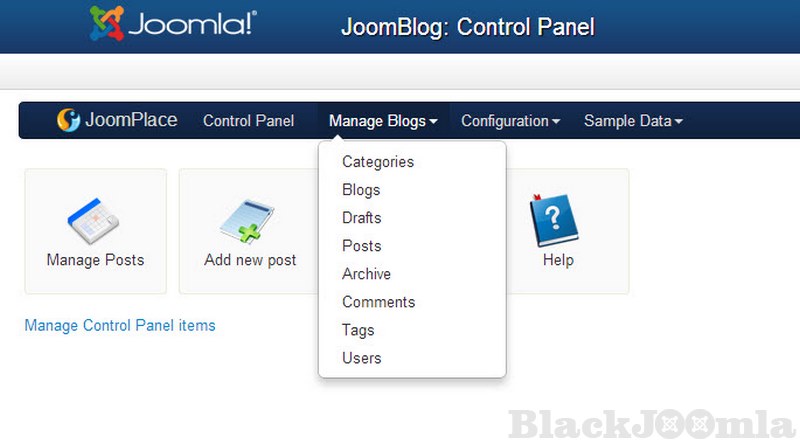
It’s possible to manage all your blogs and create new ones right from the front-end. You can create a new blog, add a post, and edit blog settings as well as change users’ permissions. You can add registered Joomla users to Bloggers’ List and allow them to start a personal blog on your site and publish posts.
Multiple Blogs on One Site
You can set up as many blogs as it is required. Your blog can be private and corporate, thematic and general. All of them can be available in one blogging interface and listed in the module List of Blogs. It’s possible to create both personal and team blogs, where different bloggers can contribute to a single blog. It is possible to give different permissions to blog users: you decide which members have the blogging rights: to create, change or unpublish blog posts.
Commenting & Social Sharing
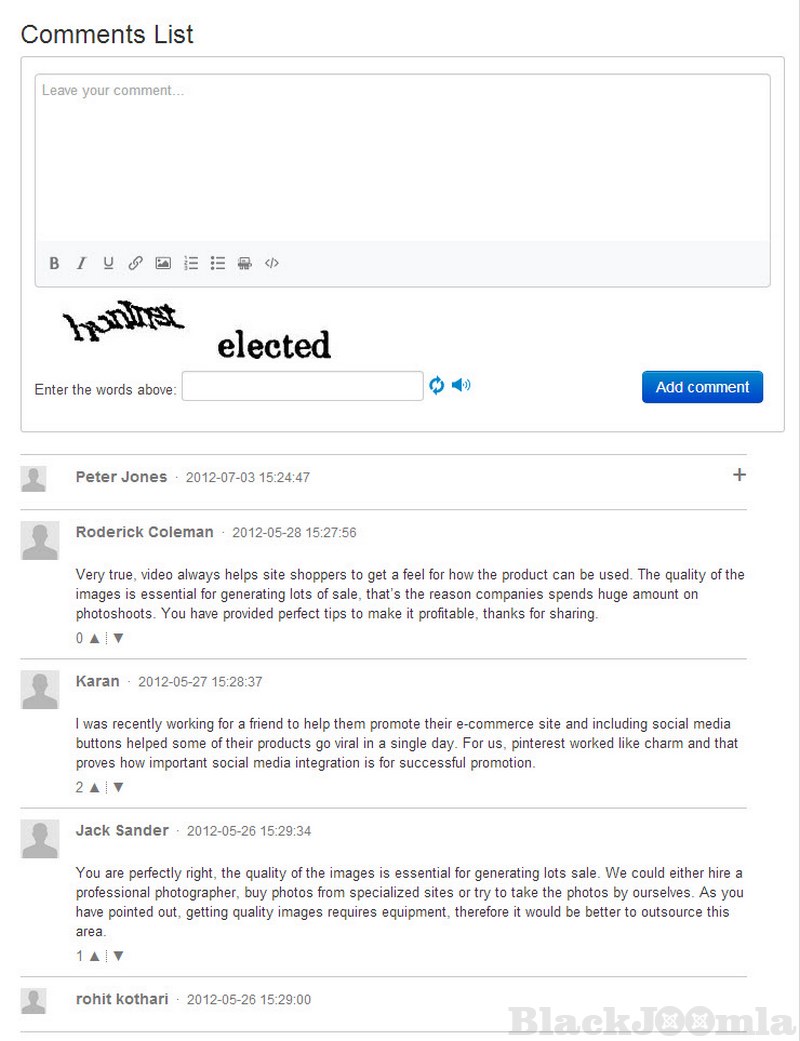
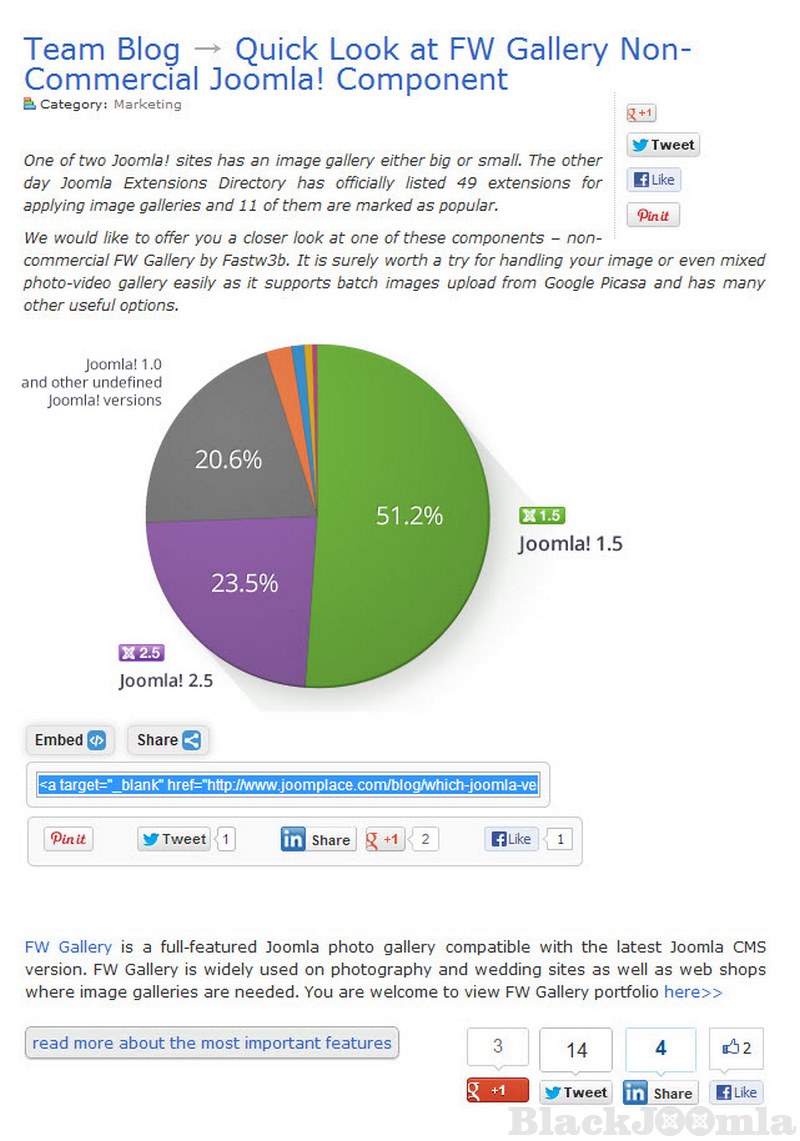
JoomBlog extension uses a built-in commenting system to allow readers to leave feedback for your blogging. Also, comments to the blog can be added via Disqus. The commenting system has anti-spam CAPTCHA. The blog component is integrated with the most popular social networks: Facebook, Twitter, LinkedIn, and Pinterest sharing buttons are built-in JoomBlog. Open Graph protocol implemented within JoomBlog will reinforce links to your blog posts with a media-rich preview
Blog Modules
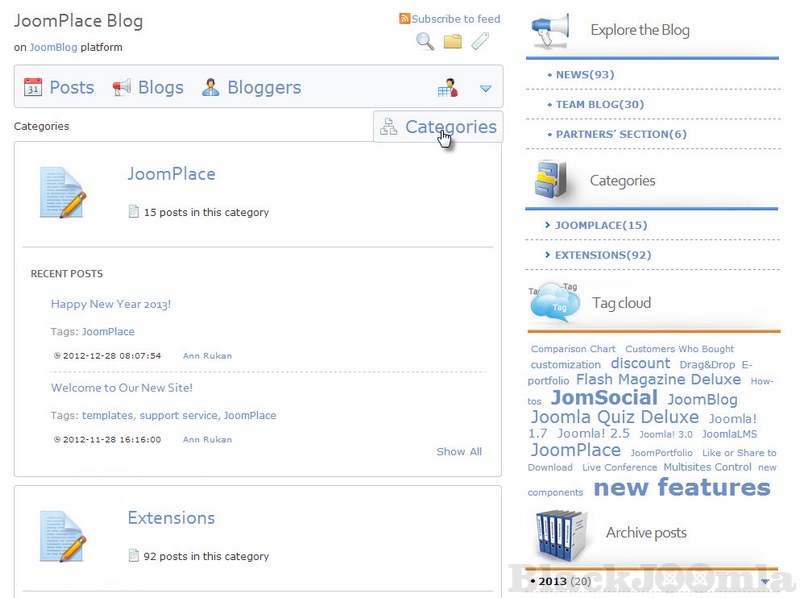
The installation package of the blog component also contains three modules to enhance your blog: List of Blogs, Archive Posts, Categories, Popular Bloggers, and Tag Cloud.
Additional Capabilities
JoomBlog allows you to import all the users, categories and articles with comments from Joomla directly to your blog, which can save your time for writing and blogging.
Download
Login to Download
Registration at BlackJoomla is completely free. However, an active membership or an individual file purchase is required to download premium files. Please visit our FAQ for more information.
Note: If you see the warning "The security token did not match." after logging in, simply refresh the page and sign in again.
Get started with 12 free downloads every month!
See our Membership Plans for more details.
Message
Before send message Please study FAQ
All of files compressed by WinRAR - use from Latest WinRAR before install
Password for all files:BlackJoomla.com
Do not use download managers such as IDM or similar software when downloading files. These applications may split a single download into multiple requests, which can cause your download count to be deducted incorrectly.